The Times: UK & World News
- 3.5
- Rating
- 1.00M
- Installs
- Free
- Price

 Analysis by App-foxy
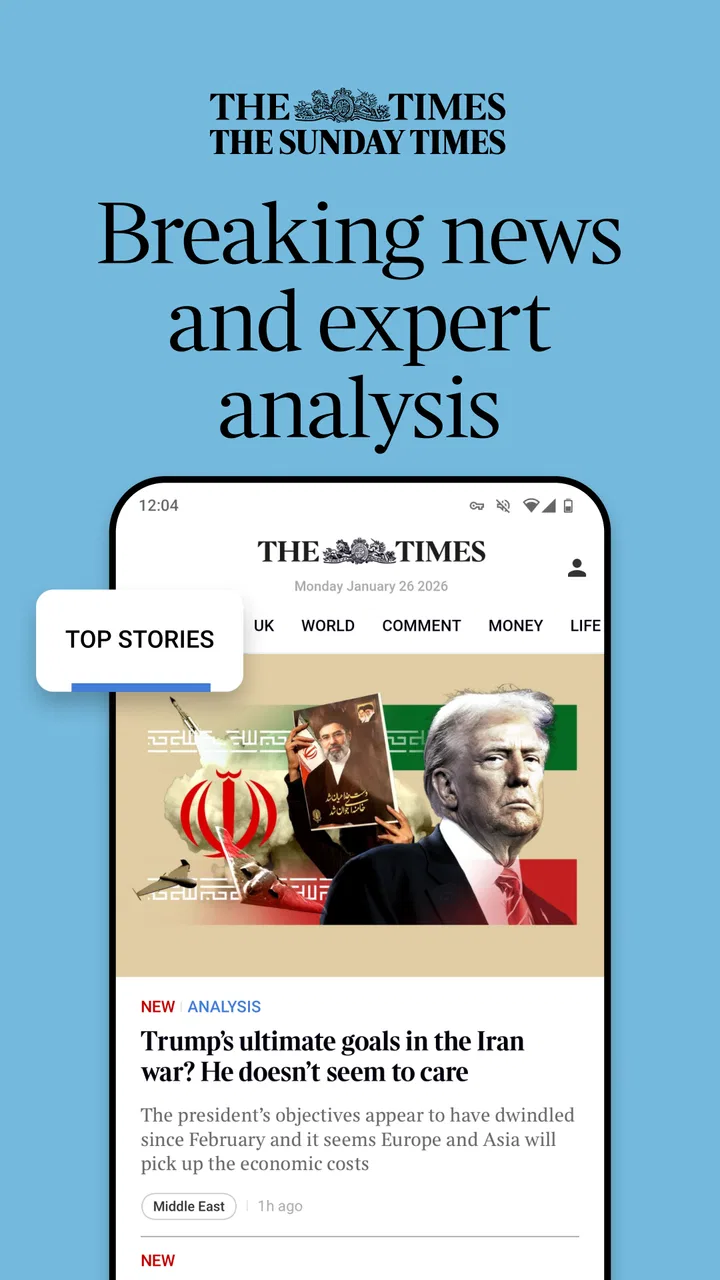
I approached The Times: UK & World News as a reader who wants one dependable place for current affairs without turning every spare minute into an endless scroll. It is a free news and magazines app from Times Media Limited, aimed at readers interested in breaking coverage, analysis, live radio and daily puzzles. That mix makes it feel broader than a simple headline reader, although it also means the experience is not equally useful for everyone.
My overall impression is that this is best understood as a newspaper companion rather than a neutral newswire. The appeal is the combination of quick updates and more considered reading, with audio and puzzles adding reasons to return outside major news events. The trade-off is that readers who want a completely open, source-diverse news feed may find a dedicated news aggregator more flexible.
How I judged the app as a daily news reader
The app has been available since June 29, 2011, and its current version is 12.4.1. It sits in the News & Magazines category and carries an Everyone 10+ content rating. Those details matter less than how the app fits into a routine: I would use it during a morning commute, at lunch when I want a quick update, and later in the day when I have enough time for analysis rather than just headlines.
You May Also Like

 Blood Strike: 2.5 Anniversary
Blood Strike’s Loadouts Turn Every Drop Into a Tactical Gamble
A close look at Blood Strike’s custom loadouts: how fast access to signature weapons reshapes its battle royale rhythm, rewards preparation, and narrows the gap between fights.

 Pandora - Music & Podcasts
Pandora’s Music Is Easy to Start, but Harder to Recover
Pandora’s strength is its low-effort path from a seed to a station. Its weak spot is how much confidence it asks you to place in connection, setup, and quiet recovery.

 8 Ball Pool
 Is Built on Rivalries, Rematches, and Routine
A close look at the rivalries, rematches, shared routines, and unanswered safety questions that turn a quick pool match into a persistent mobile community.

 Samsung Music
’s Quiet Strength Is Playing What You Already Own
Its reach comes less from spectacle than from dependable access to a personal library. That simplicity is both the app’s strongest retention engine and its ceiling.

 AccuWeather: Weather Radar
AccuWeather Review: A Quick, Clear Forecast for Everyday Decisions
For everyday plans, the best forecast is the one you can understand quickly. AccuWeather makes rain timing, radar, and local conditions easy to act on, with a few trade-offs.

 Hill Climb Racing
Why Hill Climb Racing Still Turns Crashes Into One More Run
A tiny car, a bumpy hill and one more upgrade: Hill Climb Racing keeps resurfacing because its simple chaos makes every near-miss feel personal.
More From Our News Desk
View All News


The Times brand gives the product a clear editorial identity. That can be reassuring when I want a publication with a recognizable point of view, but it also means I would not treat it as my only window onto a complicated story. For major political, international or scientific developments, I prefer checking more than one reputable source. The app works well as one strong part of that habit, not as a replacement for independent comparison.
Its audience is already substantial, with more than a million installs and an average rating of 3.5 from roughly nine thousand ratings. I read that combination as a sign of a familiar, useful product with room for improvement rather than a universally smooth experience. The rating is not a reason to avoid it, but it does encourage me to pay attention to practical friction such as account access, reading limits and the way paid options are presented.
What the editorial mix feels like in practice
The breaking-news side is useful when I need orientation quickly. I can open the app, scan what has changed and decide whether a story deserves a deeper read. The expert-analysis angle is more valuable when the headline alone is not enough, especially for stories where context, consequences and competing interpretations matter.
Live radio changes the rhythm of the app. A written article suits focused reading, while audio is more convenient when I am cooking, travelling or doing routine work. I would not assume that every situation is better served by radio, though. Audio is less efficient when I need to search for a specific fact, compare passages or read at my own pace.
The daily puzzles are a small but smart addition. They give the app a use beyond urgent news and may appeal to readers who like a familiar mental break. For me, that feature would not justify installing the app by itself, but it makes the product feel less disposable than a reader I open only when a notification arrives.
Trust begins with visible choices
When I assess a news app, trust is not only about whether the articles sound polished. I also look at what the app asks me to do, what choices are visible, and whether paid or account-related decisions are understandable. With this app, I would take a careful look at the sign-in flow, subscription prompts and any privacy or notification choices shown on my device before settling into regular use.
That is especially important because the app is free to download but includes in-app purchases ranging from $0.99 to $144.99 per item. I would not treat the download price as the full description of the reading experience. Instead, I would read each offer on screen, check what it unlocks, and avoid confirming anything until the renewal or purchase terms are clear to me.
This is one of the most practical habits I can recommend: do not tap a prominent button automatically when you are trying to reach an article. News apps often place access, registration and subscription steps close together because the reader is already interested in the story. Taking a moment to distinguish a free article, an account request and a paid option gives me more control without making the app difficult to use.
Account control matters more than a polished front page
A news application can look excellent and still become frustrating if I cannot understand how my account is managed. I would therefore check whether the app clearly identifies when I am signed in, whether it offers an obvious route to manage access, and whether the device’s app-store purchase controls match what I see inside the app.
I would also keep notifications selective. Breaking alerts can be useful during a major event, but too many interruptions make me less attentive to the important ones. My preferred approach is to enable only the alerts I genuinely want, then revisit that choice after a few days. If the app’s notification controls are visible and easy to change, that supports trust; if I have to hunt for them, I would probably leave alerts off.
The same principle applies to audio. I would start live radio manually rather than assuming I want it running in the background, particularly when using mobile data or listening in a shared space. A clear play-and-stop routine is more comfortable than letting an audio feature become an unexpected part of my phone’s activity.
Data-sensitive moments I would handle carefully
Reading news is not usually a high-risk activity, but the surrounding actions can still deserve attention. Creating an account, accepting notifications, making a purchase and using the app while travelling are different moments with different consequences. I would treat each one separately instead of accepting every prompt as part of a single setup process.
For example, if I am standing in a station and open the app for a breaking update, I may not have the patience to examine a long offer screen. In that situation I would read the headline, save the decision for later if possible, and avoid starting a purchase on impulse. The point is not to distrust the app automatically; it is to make important choices when I have enough time to understand them.
I would use the same caution with shared devices. If another person can access my phone, I would check whether the app remains signed in and whether account or purchase controls are protected by the device’s normal security. That is a general phone habit, but it is particularly relevant for an app connected to paid content and personal reading preferences.
On a limited data plan, I would prefer written articles for quick checks and reserve live radio for Wi-Fi or situations where I know my connection is reliable. Radio is a genuine strength for hands-free listening, but it is not automatically the most economical choice. This is a useful trade-off that is easy to miss when the feature is presented as an extra benefit.
A realistic morning routine
Imagine I have ten minutes before work. I open the app and scan the latest headlines, choosing one story that affects my day and one that gives broader context. I read the first piece fully, then switch to analysis only if I have enough time to follow the argument properly. I leave the puzzles for the evening rather than allowing them to distract me from the news I opened the app to check.
On another day, I might start live radio while preparing breakfast. That is convenient when I want a spoken overview and cannot keep looking at the screen. Later, I would return to written coverage for anything I need to remember accurately. This two-stage workflow is more effective for me than treating audio and text as interchangeable: audio helps me discover what matters, while text gives me control over detail.
If an article leads to a subscription or purchase prompt, I would pause the routine and review the offer separately. I would check whether I am buying one item or starting ongoing access, confirm the amount shown by the store, and make sure I know how to manage it afterward. That small interruption protects the rest of the reading experience from becoming an accidental spending decision.
Where it beats ordinary alternatives
Compared with a general headline aggregator, this app has a stronger editorial voice and a more deliberate relationship between news, analysis and newspaper-style features. An aggregator is usually better when I want many publishers in one place, rapid comparison or highly varied subject coverage. The Times is better when I value a consistent publication identity and want deeper interpretation alongside immediate updates.
Compared with reading the publication only in a mobile browser, the dedicated app is more natural for repeated daily use. The presence of live radio and puzzles gives it additional purpose, and an app can feel quicker to open when it is already part of my routine. The browser remains preferable when I do not want another app installed, when I am using a temporary device, or when I want to keep account activity separate from a dedicated reader.
Compared with a free public-news app, this product is less attractive to someone whose main requirement is broad access without purchase prompts. The free label makes installation easy, but the in-app purchase range means I would still examine the access model carefully. Readers who want a wide mix of publishers, local sources and freely available reporting may be happier with a different combination of apps.
Who should use it, and who should skip it
I would recommend trying it if you like a newspaper-led approach, want both fast updates and analysis, and appreciate having live radio and a daily puzzle in the same place. It is also a sensible choice for someone who prefers returning to one familiar editorial environment rather than building a news routine from several unrelated apps.
I would be more cautious if you need a strictly neutral dashboard, dislike account prompts, or want every article to be available without considering paid access. I would also skip it as my main news tool if I need specialist coverage from many independent publishers. In that case, an aggregator or a small set of focused publications would give me better breadth.
Readers who are sensitive to interruptions should set notifications deliberately from the beginning. Readers who use audio heavily should make sure the live-radio workflow suits their connection and listening habits. These are not reasons to reject the app; they are signs that the best experience depends on configuring it around your routine instead of accepting every default.
My measured verdict after weighing convenience and control
The Times: UK & World News is a credible, focused news companion with more personality than a generic feed. I like the way breaking coverage, expert analysis, live radio and puzzles serve different moments of the day. The app is free to install, but the presence of paid items means I would approach access and account decisions with the same care I use for any subscription-oriented service.
My strongest recommendation is to use it intentionally: choose notifications, distinguish reading from purchasing, use radio when it genuinely fits the moment, and compare important stories with other reputable sources. That approach lets me benefit from the app’s editorial depth without handing over more attention or money than I intended.
In the end, I see it as a good fit for readers who want a recognizable newspaper experience on a phone and are comfortable making informed choices around access. Its 3.5 average from about nine thousand ratings reflects a product that many people use successfully but that will not suit every reading style. My cautious verdict is positive: install it for focused Times coverage and flexible daily features, but keep your account, notification and purchase controls firmly in your hands.
The developer is Times Media Limited, and the app is available at no charge to download for users aged 10 and above. I would give it a fair trial during a normal week rather than judging it from one breaking-news visit. That is the best way to discover whether its mix of written reporting, audio and puzzles genuinely earns a place in your daily routine.
FAQs for The Times: UK & World News
01What is The Times: UK & World News app?
The Times: UK & World News is the official mobile app for The Times newspaper, offering access to UK and international news, politics, business, culture, sport, opinion, and lifestyle coverage. After installing it, users can browse the latest headlines, read articles in a mobile-friendly layout, and often explore additional digital features such as newsletters, podcasts, puzzles, and curated sections, depending on their subscription and region.
02Is The Times: UK & World News free to download and use?
The app is generally free to download, but full access to most articles and premium content usually requires a paid Times subscription. Some headlines, selected stories, or limited previews may be available without subscribing, although access can change over time. Before downloading, users should check the current subscription options, trial terms, renewal conditions, and whether pricing differs between the website and in-app purchase.
03What type of content can I read in the app?
The Times app covers a broad range of subjects, including breaking UK news, world events, politics, finance, technology, health, travel, entertainment, sport, and opinion. It also includes longer features and specialist journalism that may not appear in the same format as regular news updates. The exact sections and available extras can depend on the user’s subscription plan, location, and app version.
04Can I read articles offline or receive breaking-news notifications?
The app may support features such as saving content for later, downloading selected editions, or reading certain material offline, but availability can vary by device, subscription, and current app release. Push notifications can also be enabled for breaking news and major updates. Users who prefer fewer interruptions can manage notification categories in the app or through their Android or iOS system settings after installation.
05Is The Times app suitable for tablets and different mobile devices?
The Times: UK & World News is designed for smartphones and generally supports modern Android and iOS devices, with layouts that adapt to different screen sizes. It can also be comfortable to use on tablets, especially when reading longer articles or digital editions. Performance may depend on your operating-system version, internet connection, available storage, and whether the device is still supported by the latest app update.
Pros
- Trusted reporting from The Times’ experienced newsroom.
- Wide coverage of UK
- world
- business
- and cultural stories.
- Useful breaking-news alerts for important developing events.
- Personalized sections help focus on topics you follow.
- Clean reading experience with options for saving articles.
Cons
- Most premium articles require a paid subscription.
- Some readers may find the subscription cost relatively high.
- Opinion pieces can reflect a distinctly British editorial viewpoint.
- Certain features may require creating an account to use.
- Heavy news coverage can make the app feel dense for casual readers.

The Times: UK & World News
Gallery